kling-4.0/reference-to-video
Kling 4.0 is Kuaishou’s AI video model for professional video creation. It delivers realistic motion and synchronized audio, with up to 30s video in 720p and 1080p; 4K output is coming soon.
تعرفه: بدون ویدیوی مرجع، از 34.2 اعتبار در ثانیه با وضوح 720p (۵ ثانیه: 171 اعتبار). با ویدیوی مرجع، نرخ 20.4 اعتبار در ثانیه است. مدت خروجی با مدتِ طولانیترِ ویدیوی مرجع یا خروجی جمع میشود. همهٔ وضوحها در جدول زیر آمدهاند.
Playground
فیلدها براساس مشخصات مدل پر شدهاند. میتوانید مستقیم اجرا کنید یا ابتدا هر فیلدی را تغییر دهید.
این خروجی نمونهٔ این نسخه است. برای تولید خروجی خودتان، «اجرا» را بزنید.
مدلهای بیشتری از نوع ویدئو
مدلهای هوش مصنوعی بیشتر از Kling
مدلهای جدید و محبوب هوش مصنوعی
Kling 4.0 API – Create 30s Kling AI Videos on ModelFold
Build with Kling 4.0 API for realistic motion, synchronized audio, Omni Reference and up to 30-second video generation in 720p and 1080p, with 4K output coming soon.
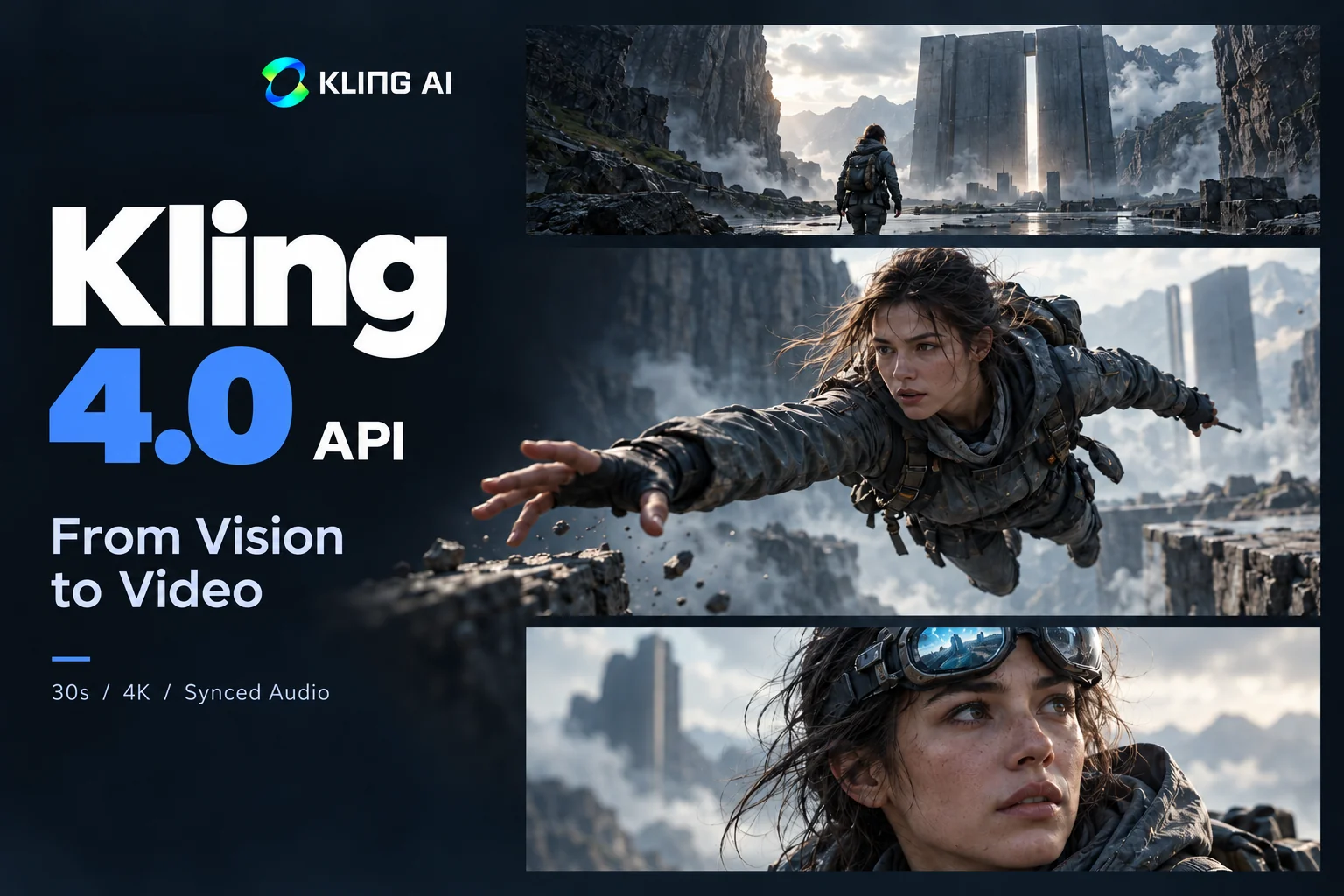
Explore Key Kling 4.0 API Capabilities on ModelFold
Professional Audio-Visual Performance with Kling 4.0 AI
Create more lifelike Kling 4.0 AI videos with stable dynamic motion and immersive audio. Kling 4.0 handles high-speed movement, continuous action, tracking shots, orbit shots, and complex camera motion while keeping scenes smooth and stable. Improved Lip Sync keeps voices and performances naturally synchronized, while two-channel stereo, realistic lighting, detailed textures, and more expressive characters bring greater realism to every scene.
Greater Creative Control with Kling 4.0 Omni Reference
Use Omni Reference to give Kling 4.0 AI video generation more precise visual and motion guidance. Kling 4.0 supports up to 15 reference items across images, videos, voice references, and subjects. Combine references to control characters, products, actions, camera movement, composition, visual styles, and narrative pacing while maintaining stronger consistency across the generated video.
30-Second Storytelling with Multi-Keyframe Control
Tell longer and more complete stories with the Kling 4.0 API, supporting video generation from 3 to 30 seconds. Kling 4.0 can maintain continuous actions and narrative development across longer sequences, while up to 10 keyframes give you precise control over important character states, scene changes, and story beats. Prompts of up to 8,000 tokens provide even more room to describe complex creative ideas.
Generate High-Resolution Kling 4.0 AI Videos in 720p and 1080p
Bring more detail to Kling 4.0 AI video with support for 720p and 1080p resolution. Kling lists 4K output and 10-bit HDR for 1080p and 4K as coming soon, and they will be added on ModelFold once available. Support for 21:9 ultrawide, 16:9, 1:1, and 9:16 aspect ratios gives creators more flexibility for cinematic, social, and vertical video formats.
Create Diverse Content with Kling 4.0 AI Video Generator
Explore a wider creative range with the Kling 4.0 AI Video Generator, from realistic vlogs, documentaries, and product ads to animation, short dramas, music videos, claymation, and stylized 3D content. Kling 4.0 supports multiple languages, accents, and dialects, along with clearer text, emoji, and logo generation. This makes it easier to create varied visual and audio experiences across different styles, formats, and languages.
How to Use Kling 4.0 API on ModelFold
- 1
Step 1: Get Your ModelFold API Key
Create a ModelFold account and generate your API key from the API Key Management page. Your key gives you access to the Kling 4.0 API and is used to authenticate requests when you integrate Kling 4.0 into your application.
- 2
Explore Kling 4.0 AI video generation in the ModelFold Playground before writing any code. The credits required depend on your selected model settings and generation parameters.
- 3
Step 3: Create Your Kling 4.0 AI Video
Choose Kling 4.0 and add your prompt, images, videos, or other supported references based on the generation mode. Adjust available settings such as video duration, resolution, aspect ratio, and other controls to shape the result, then generate and review your Kling 4.0 AI video.
- ✓
Step 4: Integrate the Kling 4.0 Video API
Once you have tested your workflow, connect the Kling 4.0 video API to your application using your ModelFold API key. Send generation requests from your app, track task status, and retrieve the finished video when processing is complete. Use the API to bring Kling 4.0 generation into your own products and automated workflows.
Compare Kling 4.0 and Kling 4.0 Flash on ModelFold
Kling 4.0 and Kling 4.0 Flash are built for different AI video generation needs. Kling 4.0 focuses on higher-quality output, longer videos, and greater creative control, while Kling 4.0 Flash prioritizes faster generation and better value for frequent creation. ModelFold currently offers Kling 4.0; the comparison below is for reference when choosing a model.
| Capability | Kling 4.0 | Kling 4.0 Flash |
|---|---|---|
| Text to Video | ✓ | ✓ |
| Image to Video | ✓ | ✓ |
| Omni Reference | ✓ | ✓ |
| Video Duration | 3–30 seconds | 3–20 seconds |
| Resolution | 720p / 1080p (4K coming soon) | 720p |
| Dynamic Range | 10-bit HDR (coming soon) | 8-bit SDR |
| Multi-Keyframes | Up to 10 keyframes | — |
| Best For | Higher-quality, longer, more controlled video creation | Faster, frequent, cost-efficient video generation |
Why Use Kling 4.0 API on ModelFold
Access Kling 4.0 Through One Simple API
Connect to the Kling 4.0 API through a straightforward API workflow on ModelFold. Use a single API key and consistent integration process to access Kling 4.0 and bring advanced AI video generation into your apps, products, and automated workflows.
Test prompts, reference inputs, and available video settings before integrating the API. You can also check the estimated credit cost before generation, making it easier to understand usage before moving to larger workloads.
Affordable and Flexible Kling 4.0 API Pricing
Use the Kling 4.0 API with flexible, usage-based pricing that fits both experimentation and production workloads. Start small when testing Kling 4.0 AI video generation, then scale your usage as your application grows without committing to unnecessary capacity upfront.
Access Multiple Kling AI Models on ModelFold
Use multiple Kling AI models through the same platform instead of relying on a single model. ModelFold makes it easier to explore different Kling AI API options and choose the right model based on video quality, generation speed, cost, and creative requirements.
Get Faster Access to New Kling AI Models
Get access to newly supported models and model updates as the ModelFold model library continues to expand. Explore the latest Kling releases alongside other leading AI video models without rebuilding your entire integration whenever a new option becomes available.
Get Dedicated Support for Kling 4.0 API
Get responsive support when using the Kling 4.0 API on ModelFold. Whether you have questions about API integration, generation tasks, credits, or model usage, the ModelFold support team can help you troubleshoot issues and keep your Kling AI video workflows running smoothly.
What Can You Build with Kling 4.0 AI Video API
Kling 4.0 AI Video Generator Apps
Create a Kling 4.0 AI Video Generator that turns prompts and creative inputs into finished videos. Add Kling 4.0 video generation to creative SaaS products, content platforms, or specialized video tools for different audiences and workflows.
AI Advertising and Marketing Videos Powered by Kling 4.0
Build tools for product launches, social ads, campaign creatives, branded content, and other marketing formats. Kling 4.0 AI Video API can help turn campaign ideas, brand assets, and product materials into engaging promotional videos across different channels.
Character and Storytelling Tools Using Kling 4.0 Video API
Create applications for short dramas, character videos, animated stories, and cinematic content with Kling 4.0 video API. Build narrative-focused workflows that help users develop characters, scenes, and story progression across longer video sequences.
Kling 4.0 AI for Social Media Video Creation
Power tools for TikTok, YouTube Shorts, Reels, creator content, and branded social videos with Kling 4.0 AI. Turn creative ideas and visual assets into short-form videos designed for different social platforms and content formats.
E-Commerce Product Video Generators Using Kling AI API
Use Kling AI API to create product showcases, UGC-style promotions, campaign assets, and storefront videos. Turn product images and other creative assets into dynamic e-commerce content for brands, sellers, and online stores.
Automated Video Production with Kling 4.0 API
Connect Kling 4.0 API with content pipelines, AI agents, and automated systems to support repeatable video production. Generate video assets in larger volumes and automate recurring creation tasks without relying on a fully manual workflow.
Frequently Asked Questions
What is Kling 4.0?⌄
Kling 4.0 is an advanced AI video generation model developed by Kling AI, Kuaishou’s generative AI platform. It is designed to create high-quality videos with realistic motion, synchronized audio, stronger reference control, and longer narrative sequences, supporting native video generation up to 30 seconds.
How long can Kling 4.0 videos be?⌄
Kling 4.0 supports native video generation of up to 30 seconds, giving creators more room for continuous actions and longer narrative sequences. The model also supports multiple keyframes for greater control over how a video develops over time.
What Resolutions Does Kling 4.0 Support?⌄
Kling 4.0 on ModelFold currently supports 720p and 1080p video generation. 4K output is listed by Kling as coming soon and will be added once it is available.
Does Kling 4.0 Generate Audio?⌄
Yes. Kling 4.0 API supports native audio output with two-channel stereo, allowing video and audio to be generated as part of the same creative workflow. It also improves lip sync for more natural synchronization between speech and character performance.
What is the difference between Kling 4.0 and Kling 4.0 Flash?⌄
Kling 4.0 focuses on higher-quality output, longer video generation, and greater creative control. Kling 4.0 Flash is designed for faster, more cost-efficient generation and frequent creation. ModelFold currently offers Kling 4.0 (Omni Reference and Keyframe to Video).
How Many Reference Images Can I Use with Kling 4.0?⌄
Kling 4.0 supports up to 10 reference images. You can use them to provide visual guidance for characters, products, environments, composition, styles, and other creative elements.
How do I get a Kling 4.0 API key on ModelFold?⌄
Create a ModelFold account and generate an API key from the API Key Management page. You can first test Kling 4.0 AI Video Generator capabilities in the ModelFold Playground, then use your API key to connect Kling 4.0 to your application.
What can I build with Kling 4.0 AI Video API?⌄
You can use Kling 4.0 AI Video API to build AI video generators, marketing video tools, storytelling platforms, social media video apps, e-commerce video generators, and automated video production workflows. Kling 4.0 is especially useful for applications that need longer sequences, reference-driven creation, and greater control over video generation.
| وضوح | بدون ویدیوی مرجع | با ویدیوی مرجع |
|---|---|---|
| 720p | 171 اعتبار بهازای هر ۵ ثانیه | 20.4 اعتبار / ثانیه |
| 1080p | 255 اعتبار بهازای هر ۵ ثانیه | 30.6 اعتبار / ثانیه |
هزینه بهازای هر ثانیه محاسبه میشود. قیمت بالا برای یک کلیپ ۵ ثانیهای در هر وضوح است و هزینهٔ کلیپهای بلندتر به همان نسبت بیشتر است. در Playground همین قاعده برقرار است.
با ویدیوی مرجع، از جمله عناصر ویدیویی، مدت خروجی با مقدار بزرگتر از این دو جمع میشود: مجموع مدت ویدیوهای مرجع یا مدت خروجی. تعرفهٔ بالا برای ویدیوی دارای مرجع اعمال میشود. برای نمونه، ۱۰ ثانیه خروجی و ۵ ثانیه ورودی معادل ۲۰ ثانیه است؛ با ورودی ۱۵ ثانیهای، هزینهٔ ۲۵ ثانیه دریافت میشود. مدت هر ویدیو به ثانیهٔ کامل بعدی گرد میشود و مجموع از مدت مشمول هزینهٔ همان کلیپ بدون ویدیوی مرجع کمتر نیست.
curl https://modelfold.ai/v1/videos/generations \
  -H "Authorization: Bearer $MODELFOLD_API_KEY" \
  -H "Content-Type: application/json" \
  -d '{"model":"kling-4.0/reference-to-video","prompt":"...","resolution":"720p","duration":5}'