
omnihuman-1-5
Bring a portrait to life with OmniHuman 1.5. Combine a reference image with audio to create a talking or performing character video on ModelFold.
Harga: Ditagih berdasarkan durasi audio: sekitar 32.4 kredit/detik, minimal 1 detik · Pencadangan dibulatkan ke atas per detik penuh, kredit hingga dua desimal; biaya sebenarnya ditampilkan setelah selesai.
Playground
Sudah diisi dari spesifikasi model — jalankan langsung atau ubah kolom mana pun terlebih dahulu.
Contoh hasil untuk varian ini — tekan Jalankan untuk membuat milik Anda sendiri.
Jelajahi model Video lainnya
Model AI lainnya dari ByteDance
Model AI terbaru dan populer
OmniHuman 1.5 API — Turn portraits and audio into video
OmniHuman 1.5 is ByteDance’s audio-driven character animation model. Supply a portrait and a voice or music recording to create a video with motion guided by the audio.
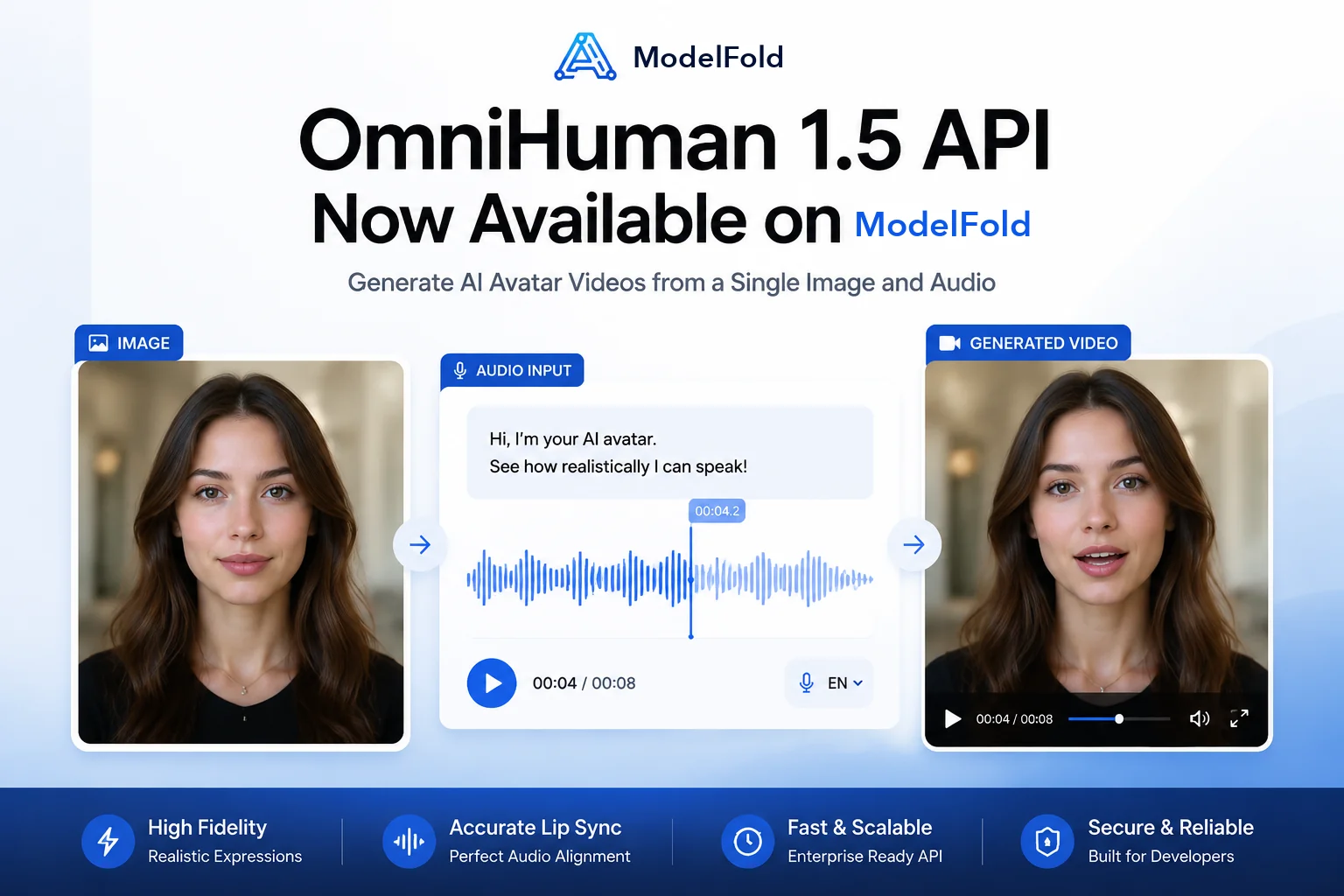
Explore OmniHuman 1.5 capabilities
Audio-driven character animation
Use a reference image to establish the character and an audio track to drive speech or performance. Preview the sample videos before preparing your own inputs.
Portraits and expressive characters
Create presenter clips, character dialogue or performance scenes from people, pets or illustrated characters. The input image defines the composition.
Control the output
Choose 720 or 1080 output resolution and optionally enable fast mode. Use a subject mask when you need to target a specific character in the image.
Create your first OmniHuman video
- 1
Prepare a portrait and audio
Provide image_url and audio_url. Audio must be shorter than 60 seconds; clips of 15 seconds or less are recommended for quality.
- 2
Set the scene
Describe the desired performance and select output_resolution. For images with multiple subjects, use a mask to identify the intended speaker.
- ✓
Generate and review
Sign in, review the estimated charge and submit. When the task completes, preview the video and check the recorded usage in your account.
What can you create with OmniHuman 1.5?
Digital presenters
Animate a portrait with recorded narration for explainers and introductions.
Character dialogue
Pair an illustrated character with a voice recording for short storytelling clips.
Music and performance
Use a music or vocal track to guide a character performance. Use images and audio you have permission to use.
Generation and preparation tools
OmniHuman 1.5 generates video. Human Identification checks the reference image; Subject Detection provides masks for selecting a subject. These are preparation tools that return detection results, not additional video-generation models. Current generation rates appear in the rate card; the output duration follows the supplied audio.
Frequently asked questions
What inputs are required?⌄
Provide a reference image and an audio file. The Playground shows the accepted formats and upload limits. Add a prompt to describe the performance when using the gateway.
How long can the video be?⌄
The output follows the audio duration. Audio must be shorter than 60 seconds, and 15 seconds or less is recommended for quality.
Do the detection tools generate video?⌄
No. Human Identification and Subject Detection help prepare the image or subject mask. Select OmniHuman 1.5 to generate the final video.
| Omnihuman 1 5 | 162 kredit per run |
Harga tetap per run — tidak berubah menurut durasi.
curl https://modelfold.ai/v1/videos/generations \
  -H "Authorization: Bearer $MODELFOLD_API_KEY" \
  -H "Content-Type: application/json" \
  -d '{"model":"omnihuman-1-5","prompt":"...","resolution":"720p","duration":5}'