
wan/2-6-flash-video-to-video
Wan 2.6 Flash is the fast tier of Alibaba’s Wan 2.6 video model. Through the Wan 2.6 Flash API you can turn images or reference videos into short clips with native audio and multi-shot support, at a lower cost and faster turnaround for high-volume video workflows.
ราคา: 30 เครดิต video ไม่ขึ้นกับระยะเวลา
พื้นที่ทดลอง
กรอกข้อมูลตามข้อกำหนดของโมเดลไว้แล้ว เรียกใช้ได้ทันทีหรือปรับแต่ละช่องก่อนก็ได้
นี่คือตัวอย่างผลลัพธ์ของรุ่นนี้ กดเรียกใช้เพื่อสร้างผลลัพธ์ของคุณเอง
ดูโมเดลประเภท วิดีโอ เพิ่มเติม
โมเดล AI อื่นจาก Wan
โมเดล AI ล่าสุดและยอดนิยม
Wan 2.6 Flash API
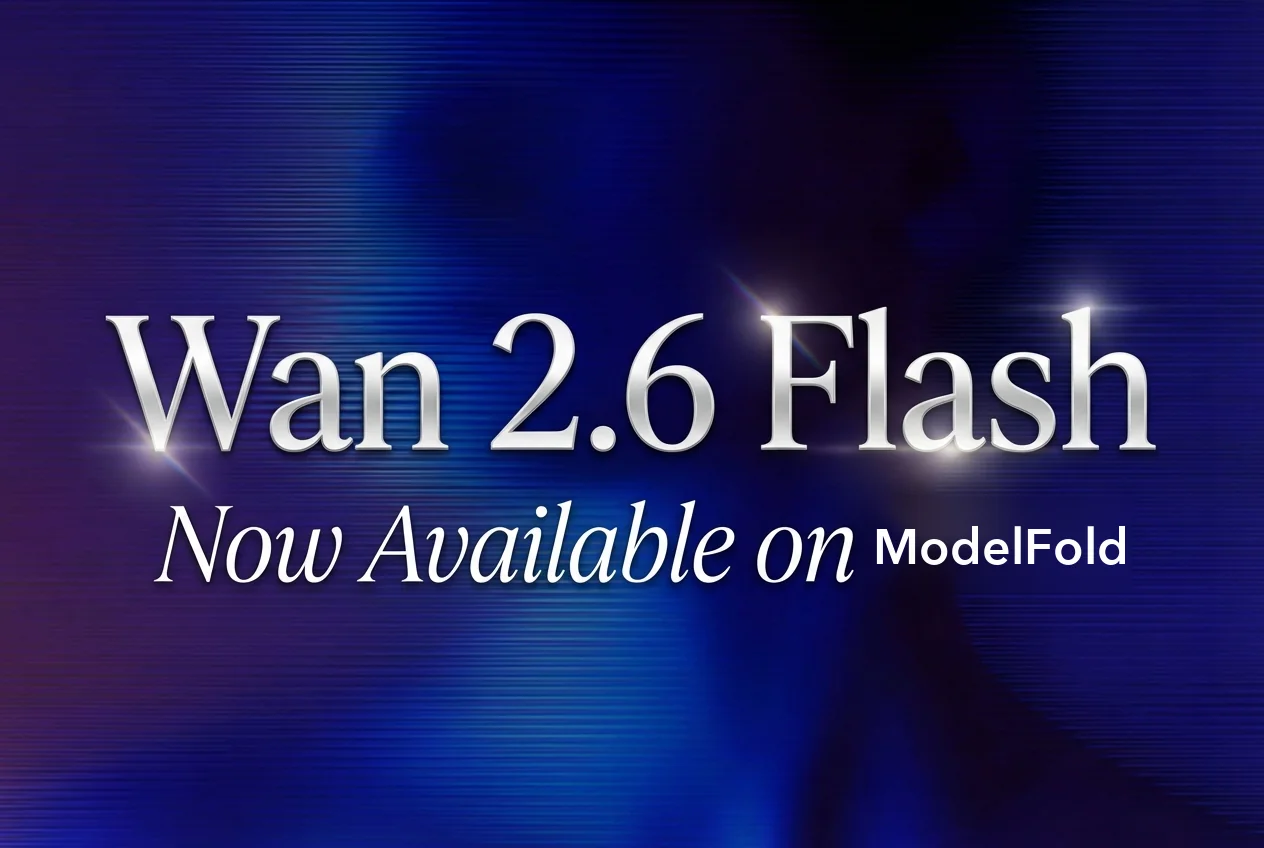
Wan 2.6 Flash is the fast tier of Alibaba’s Wan 2.6 video model. Through the Wan 2.6 Flash API you can turn images or reference videos into short clips with native audio and multi-shot support, at a lower cost and faster turnaround for high-volume video workflows.
Models and variants
Select a model type for your task. The Playground uses the selected variant’s parameters and examples.
2 6 Flash Video To Video
Model ID: wan/2-6-flash-video-to-video. Check this variant’s required inputs and supported reference formats before submitting.
2 6 Flash Image To Video
Model ID: wan/2-6-flash-image-to-video. Check this variant’s required inputs and supported reference formats before submitting.
How to use
- 1
Select a variant
Choose a model type at the top of this page and review its rates and input requirements. Variants may support different reference media and outputs.
- 2
Prepare inputs
Fill in the Playground fields, supply any required image, video or audio, and adjust the available parameters. Examples demonstrate the workflow; use reference material you have permission to use.
- ✓
Review the result
Sign in, submit the task, and preview or download the result when it is ready. Task status is available in your account logs. For automation, use the API example below and the model documentation.
Parameters and pricing
The price table shows current ModelFold rates. Charges depend on the selected variant and its billing parameters. Size, resolution, duration, reference media or output count affect pricing only where specified by the model’s billing rules. Review the Playground estimate and your balance before submitting. Use the model ID and fields for your selected variant. Image, video and audio tasks have different inputs. For asynchronous tasks, wait for the status update rather than resubmitting while a result is pending.
Frequently asked questions
Are examples generated automatically?⌄
Examples are static demonstration assets. Browsing the page or switching variants does not generate content. Submitting a task calls the model and consumes credits at the displayed rates.
How should I choose parameters?⌄
Choose the model type first, then provide the fields and reference material its form requires. Do not assume every variant shares the same resolutions, durations or input limits.
How can I integrate it?⌄
Create an API key in your account, then follow the API example and model documentation. Keep the key on your server, outside browser code and public repositories.
| 2.6 flash video to video | 30 เครดิต video |
| 2.6 flash image to video | 30 เครดิต video |
ราคาคงที่ต่อการรันหนึ่งครั้ง ไม่เปลี่ยนตามระยะเวลา
curl https://modelfold.ai/v1/videos/generations \
  -H "Authorization: Bearer $MODELFOLD_API_KEY" \
  -H "Content-Type: application/json" \
  -d '{"model":"wan/2-6-flash-video-to-video","prompt":"...","resolution":"720p","duration":5}'