正在加载模板…
ModelFoldModelFold
开始使用
⚡ 通过 API 调用

提供文字生成图片与图片编辑能力,按变体选择输入素材。

模型类型:

定价: 每张 16 积分。

在线试跑

表单已按模型规格预填 —— 可直接运行,也可先改任意字段。

可用
提示词

Text prompts for image generation. Supports both Chinese and English, with a minimum of 1 characters and a maximum of 5,000 characters.

参考图

Upload an image file to use as input for the API. Image dimensions must be at least 240 pixels in length and width.

bbox_list · 该字段是嵌套结构,暂未渲染(PlaygroundBBoxEditor)
enable_sequential

Enable Gallery Mode

thinking_mode

Enhances reasoning for higher-quality outputs. Only available when Gallery Mode is off and no images are uploaded. May increase generation time.

n1

When the gallery mode is turned off, n represents the number of generated images (1-4); when it is turned on, n represents the maximum number of images (1-12), and the actual value is determined by the model.

color_palette · 该字段是嵌套结构,暂未渲染(PlaygroundColorPalette)
分辨率

Resolution of the generated image. Higher resolutions take longer to generate.(4K generation is available only for text-to-image in Standard Mode)

画面比例

Aspect ratio of the generated image

watermark

Whether to add a watermark identifier

seed

Using the same seeds and the same prompts for the same version of the model can keep the generated content relatively stable.

nsfw_checker

A configurable parameter. Defaults to true in the Playground.

余额: —本次消耗47 积分
结果
历史

该变体的示例输出 —— 点「运行」生成你自己的。

≡
README
Wan2.7 Image 完整使用指南

Wan2.7 Image API

提供文字生成图片与图片编辑能力,按变体选择输入素材。
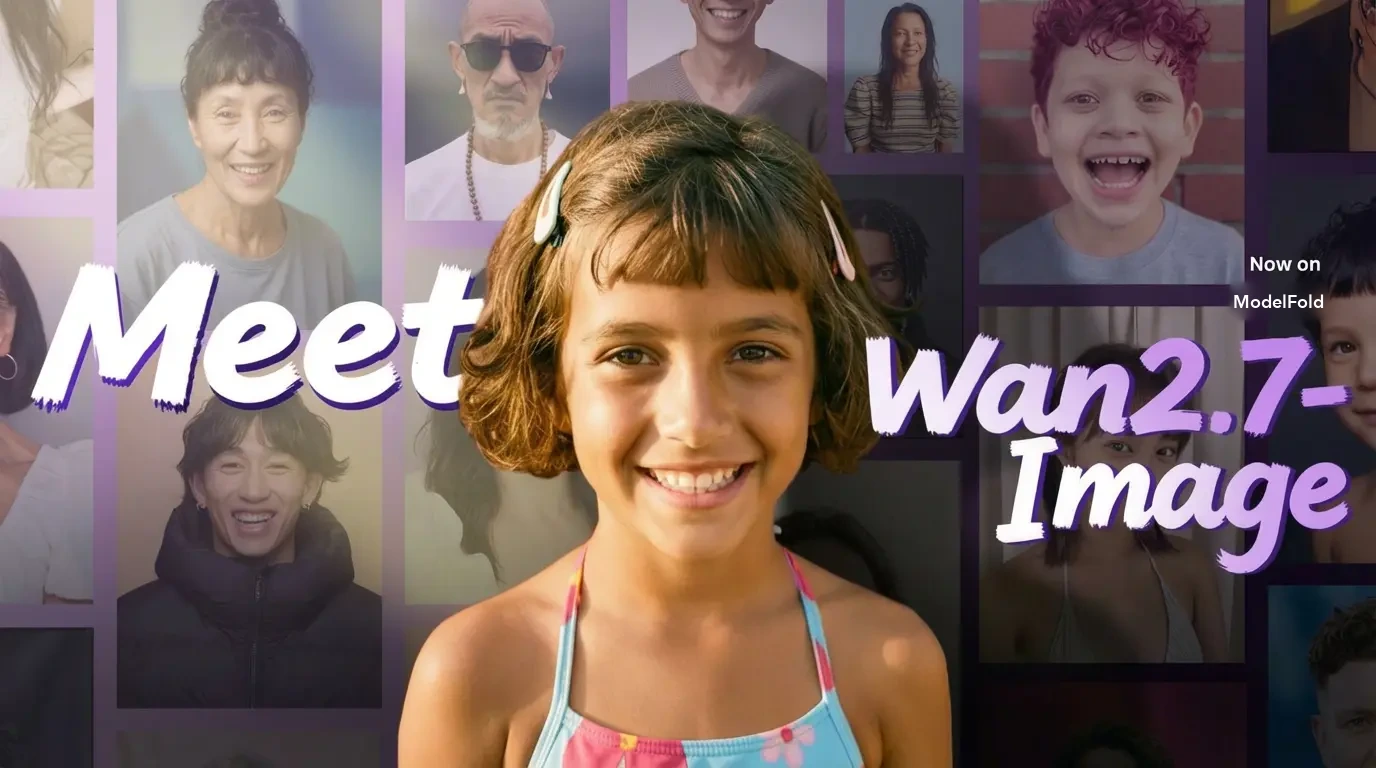
Wan2.7 Image API

模型与变体

先选择适合任务的模型类型;Playground 的参数和示例随所选变体切换。

2 7 Image

模型标识:wan/2-7-image。提交前请检查该变体的必填输入和参数;参考素材以当前表单支持的格式为准。

2 7 Image Pro

模型标识:wan/2-7-image-pro。提交前请检查该变体的必填输入和参数;参考素材以当前表单支持的格式为准。

使用流程

  1. 1

    选择变体

    在页面顶部选择模型类型,核对该变体的费率与输入要求。不同变体可能支持不同的素材和输出方式。

  2. 2

    准备输入

    按 Playground 表单填写提示词、上传所需图片、视频或音频,再调整可用参数。示例用于演示;使用自己的素材时,请确认拥有相应使用权。

  3. ✓

    检查结果

    登录后提交任务,等待生成结果并预览或下载。在账户调用记录中可查看任务状态。需要自动化时,使用下方 API 示例并查阅对应模型文档。

参数与价格

本页价格表显示 ModelFold 的当前费率。最终消耗按实际变体及计费参数计算;尺寸、分辨率、时长、输入素材或输出数量是否影响价格,以该模型的费率规则为准。Playground 提交前会显示预估积分,请先核对余额与参数。 请使用所选变体对应的模型标识和字段。图片、视频与音频任务的输入格式不同,不要将其他变体的参数直接套用。异步任务请等待状态更新,不要因为暂未返回结果而重复提交。

常见问题

示例会自动生成吗?⌄

页面示例是静态演示素材。切换变体或浏览页面不会发起生成;只有提交生成任务才会调用模型并按费率消耗积分。

如何选择参数?⌄

先选择模型类型,再按表单填写所需素材和参数。可选项以该变体支持的字段为准;不要假定所有变体都有相同的分辨率、时长或输入限制。

如何接入应用?⌄

在账户中创建 API Key,按照本页 API 示例和模型文档发起请求。密钥只应保存在服务端,不要放入浏览器代码或公开仓库。

费率表
2.7 image47 积分 /张
2.7 image pro16 积分 /张

按次计费(一口价),不随时长变化。

快速开始
curl https://modelfold.ai/v1/images/generations \
  -H "Authorization: Bearer $MODELFOLD_API_KEY" \
  -H "Content-Type: application/json" \
  -d '{"model":"wan/2-7-image","prompt":"..."}'