google/gemini-omni-flash-1-2
Gemini Omni 1.2 Flash は、テキスト・画像・動画から、同期した音声付きの動画を生成・編集する Google の更新版です。Google は最長 15 秒、複数ターンの修正、1.1 Flash より参照に忠実だと説明しています。
料金: 360p で毎秒 4.8 クレジットから(5 秒で 24)。出力秒数に課金します。各解像度は下の料金表をご覧ください。
料金更新日
Playground
モデル仕様に合わせて入力済みです。そのまま実行するか、項目を調整してください。
フレームと参照素材は併用できません。切替時に他方を消去します。文書とウェブリンクも併用できません。
ほかの テキストから動画 モデルを探す
Google のほかの AI モデル
新着・人気の AI モデル
ネイティブ音声付き、最長 15 秒の Gemini Omni 1.2 Flash API
テキスト、画像、動画から、音声・音楽・効果音が同期した動画を生成・編集します。Google は最長 15 秒、同じクリップの複数ターン修正、顔・製品・ブランドカラーの一貫性を挙げています。360p から 4K、16:9 または 9:16 です。
What's New in Gemini Omni 1.2 Flash
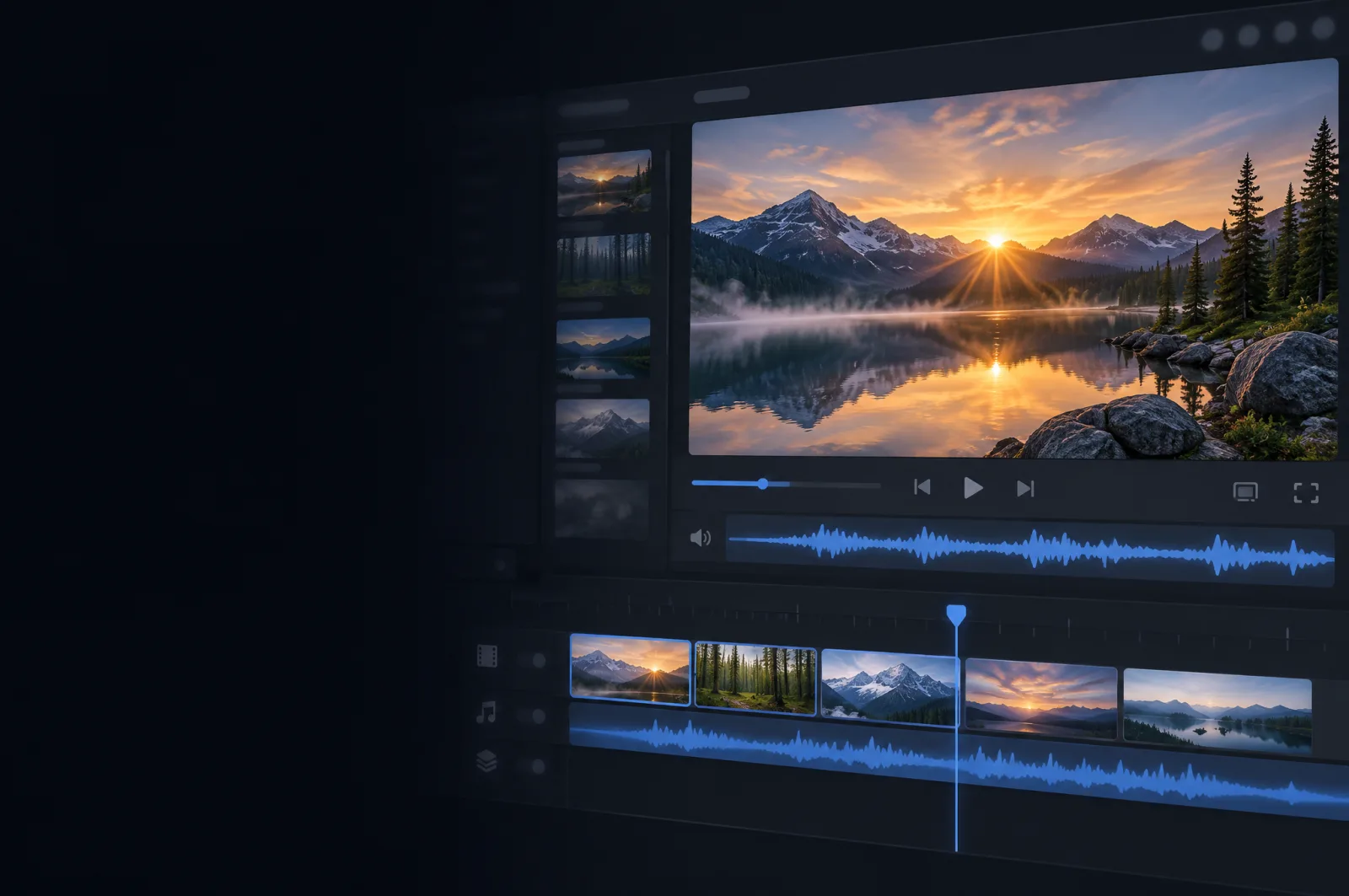
Google released Gemini Omni 1.2 Flash on November 5, 2026, as an update to Gemini Omni 1.1 Flash. These are the changes Google describes.
Clips and Edits of Up to 15 Seconds
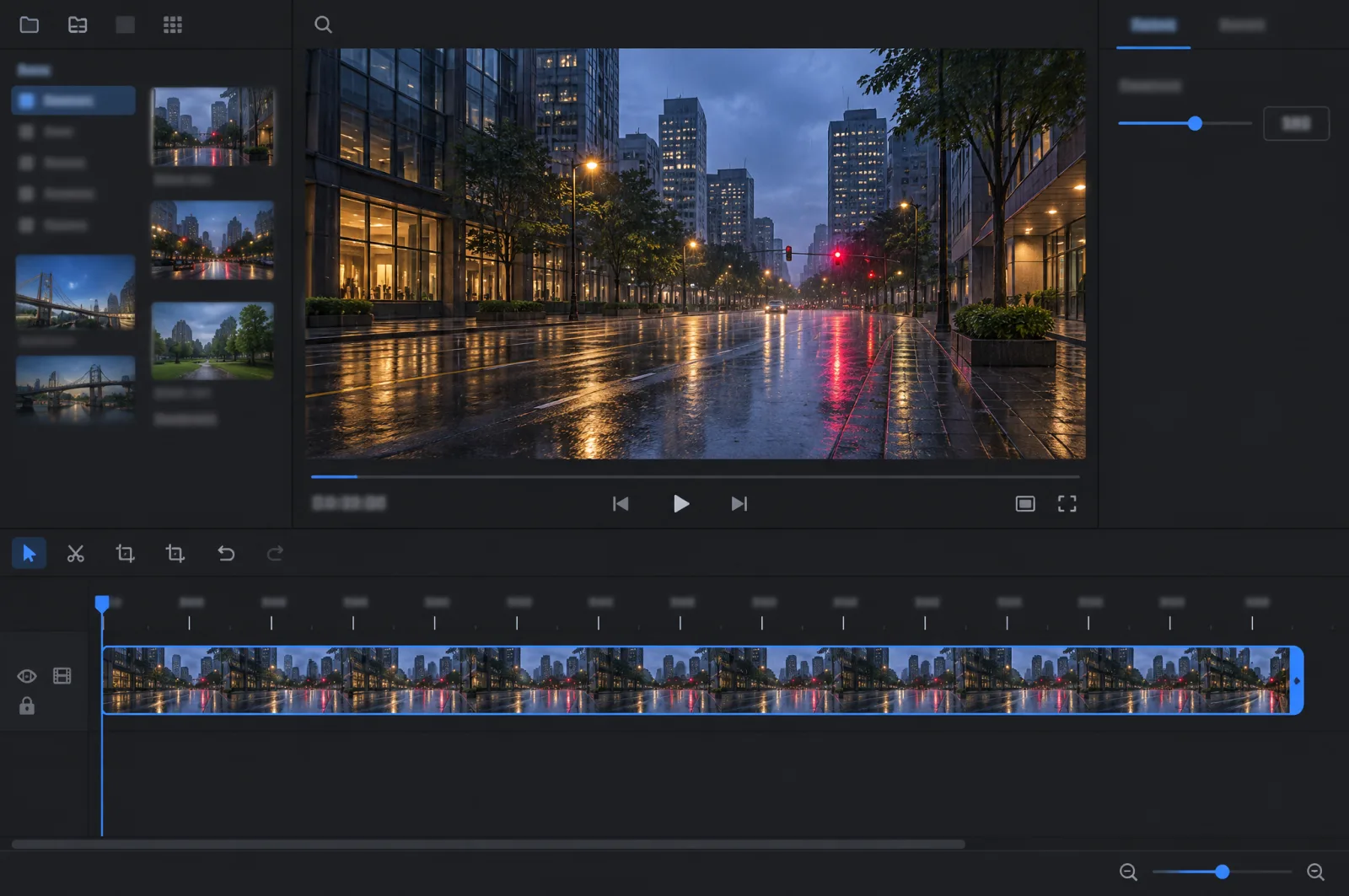
Generation and editing now run up to 15 seconds, up from 10 seconds with Gemini Omni 1.1 Flash, according to Google. You set the length from 3 to 15 seconds in one-second steps. The model is part of the Gemini Omni family of video models.
Multi-Turn Conversational Editing
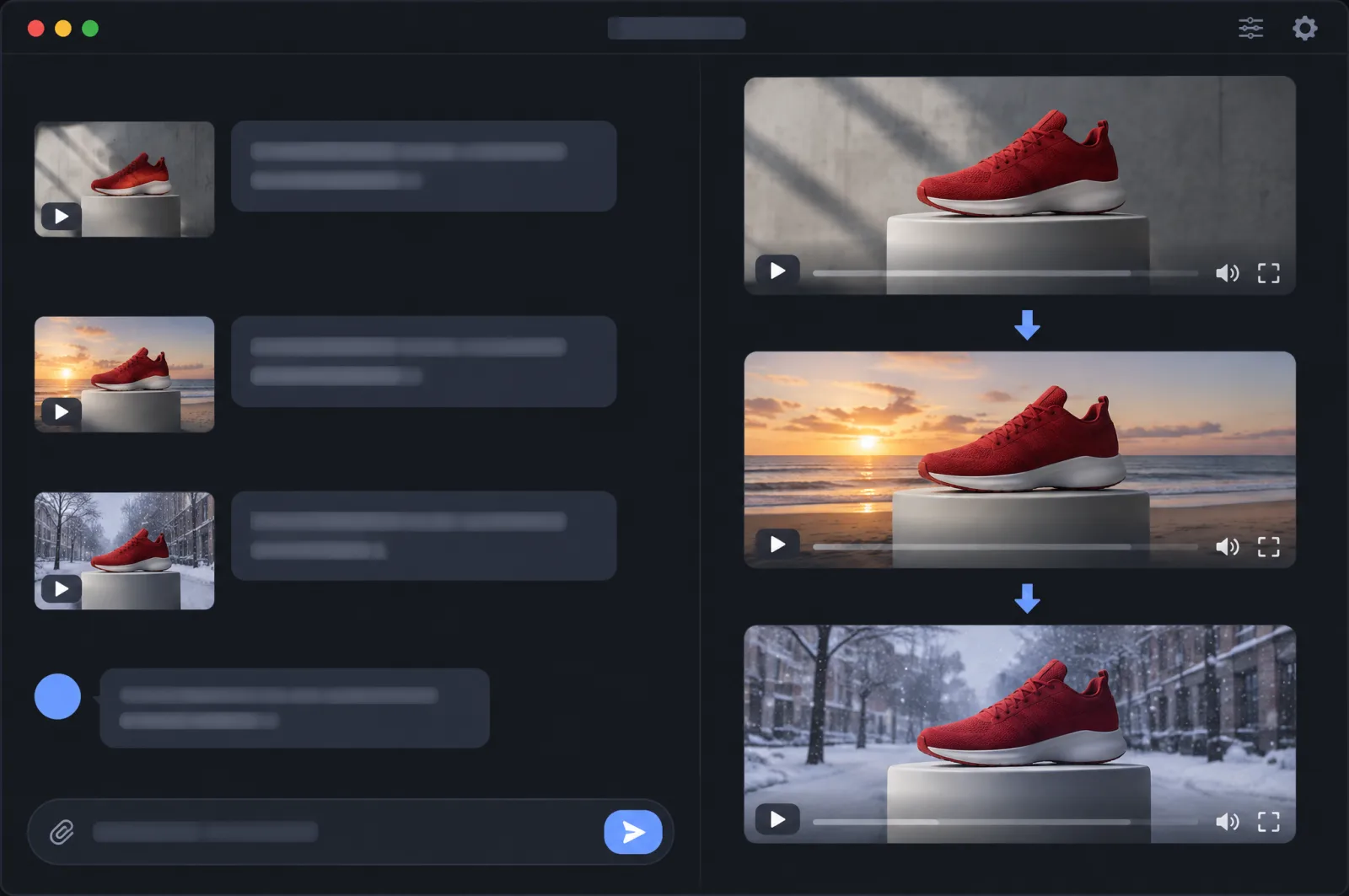
Refine the same clip turn by turn instead of starting over: swap a product or background, or change the lighting, weather, camera angle or aspect ratio. Google says editing works across full 15-second clips.
Closer Reference Following
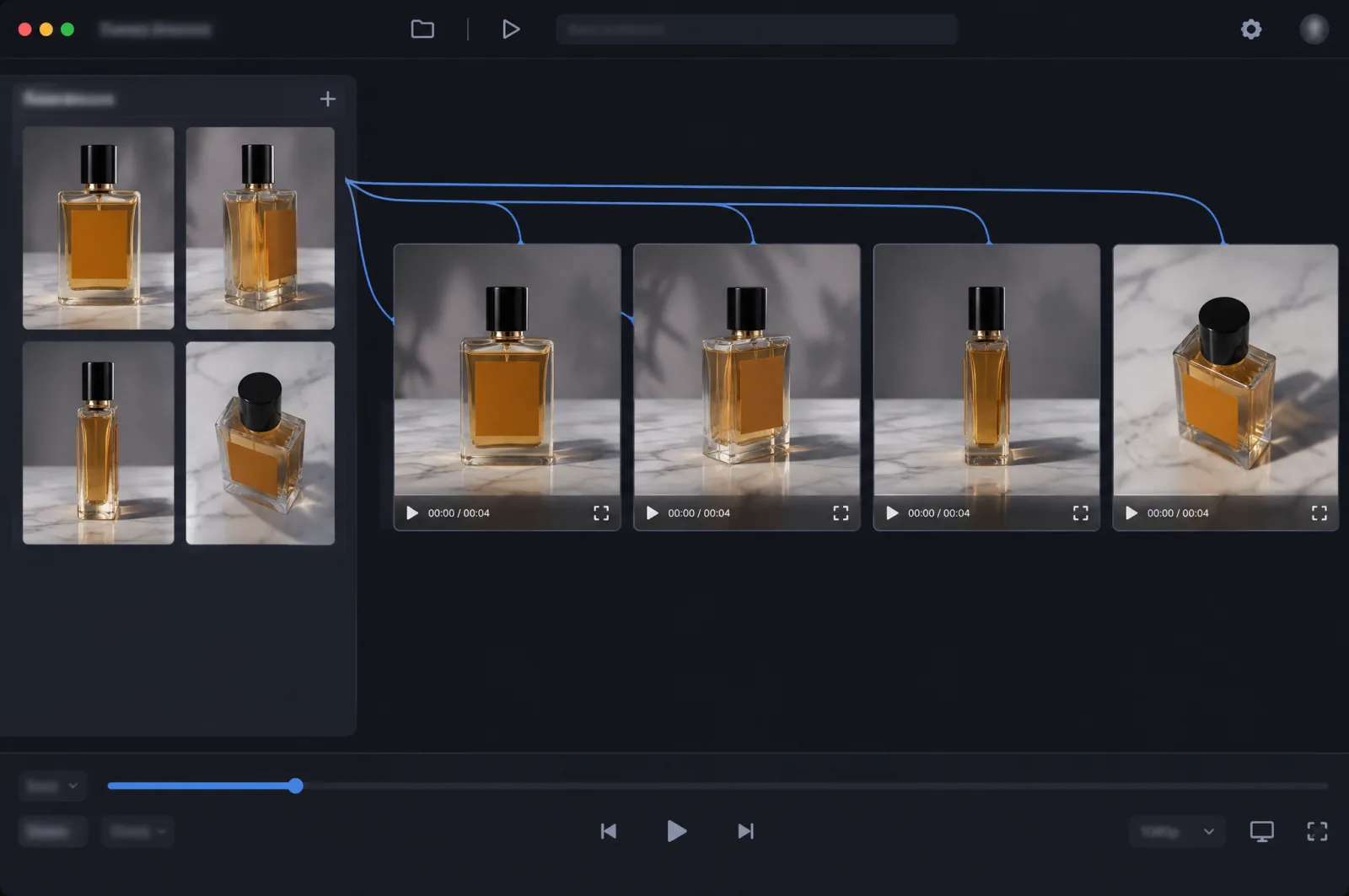
Google says the model keeps faces, garments, packaging typography, brand colors, products and characters consistent across shots and camera angles, with less visual drift or morphing in first/last-frame interpolation and clip extension.
Native Audio, Dialogue and Lip-Sync
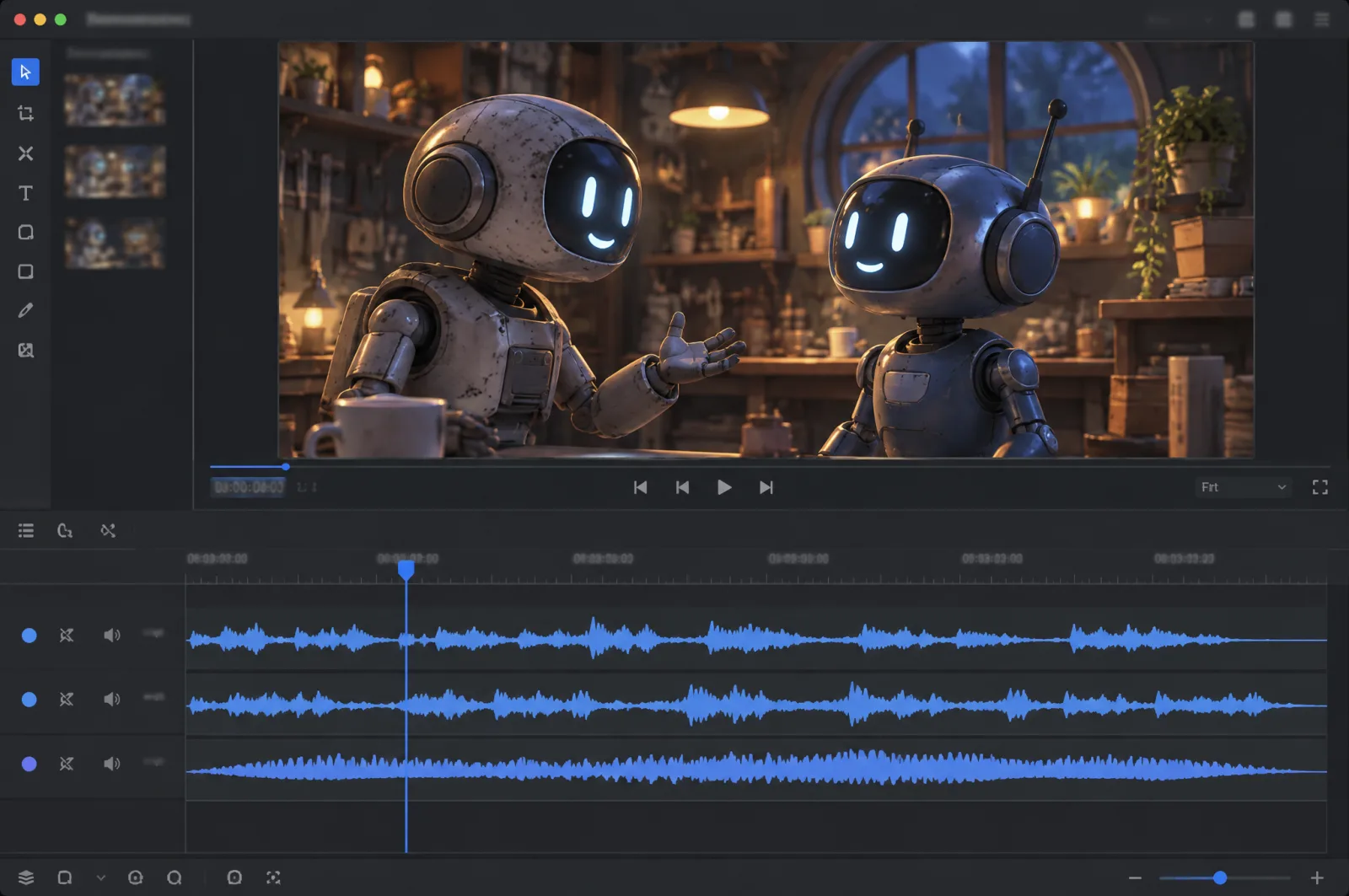
Every clip can carry synchronized speech, music and sound effects. Google says dialogue sounds more natural, lip-sync is clearer and the model keeps multiple speakers distinct.
Camera Moves and Multi-Shot Sequences
According to Google, FPV flythroughs, zoom-outs and orbits now run with fewer unwanted jump cuts than in 1.1 Flash. Google's own demo builds a four-shot, 15-second explainer from a single style frame.
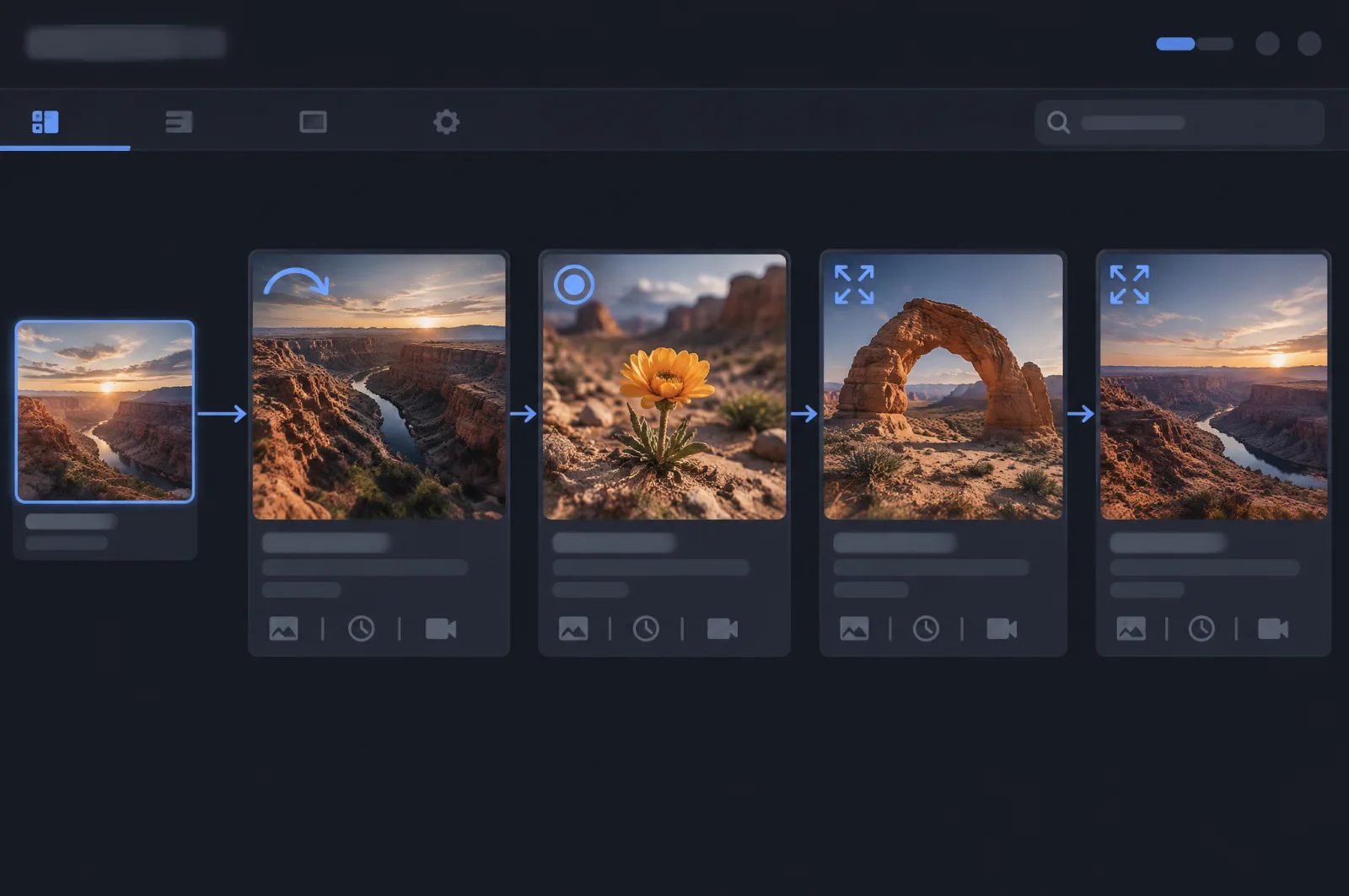
Draft at Low Resolution, Upscale the Best Take
Output resolutions are 360p, 720p, 1080p and 4K. Google's recommended workflow is to draft at 360p or 720p, then upscale the chosen take to 1080p or 4K.
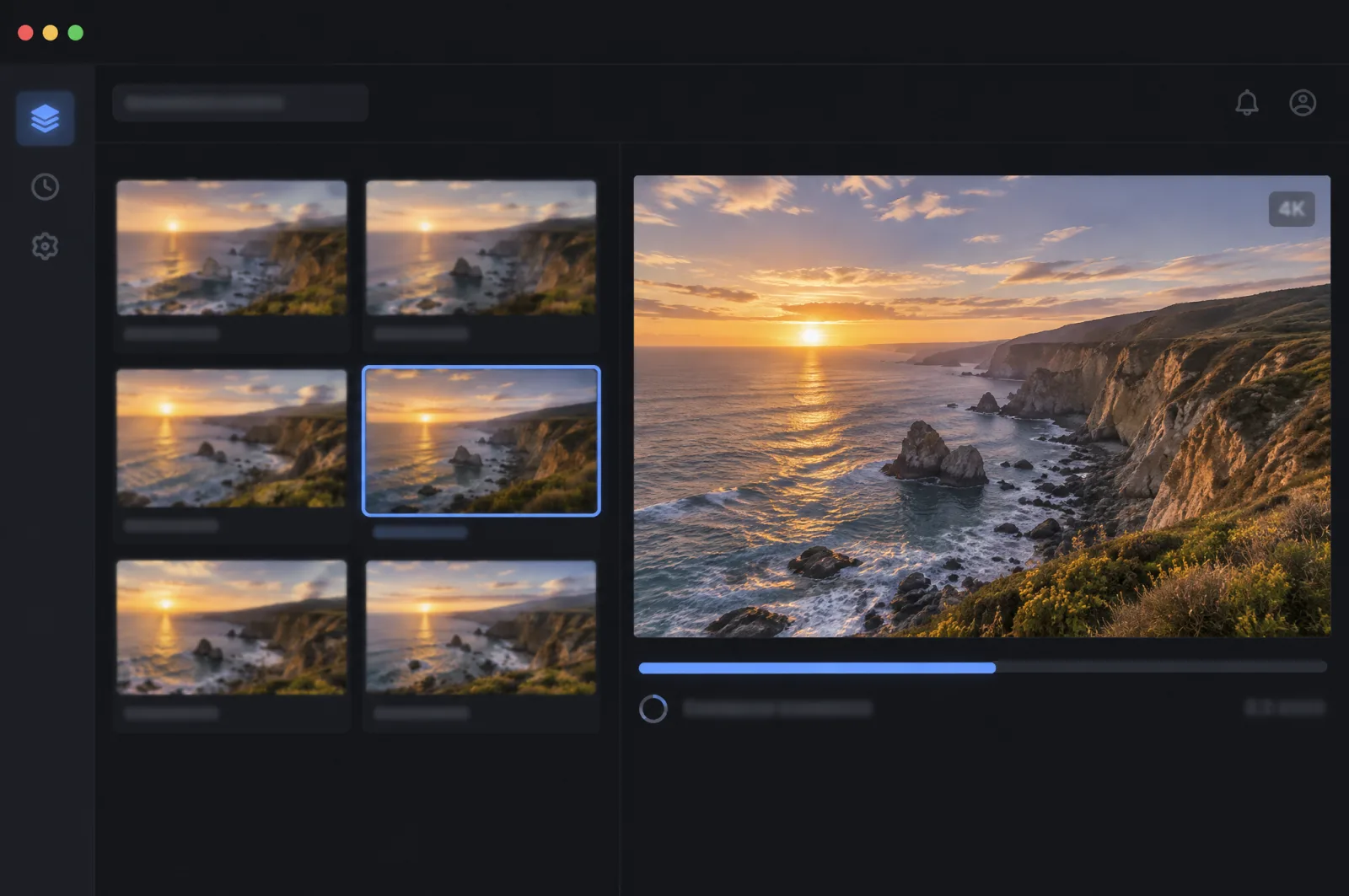
Gemini Omni 1.2 Flash Specifications
Gemini Omni 1.2 Flash parameters on ModelFold, from the ModelFold API docs, alongside the specifications Google publishes for the model.
| Specification | Gemini Omni 1.2 Flash |
|---|---|
| Model on ModelFold | google/gemini-omni-flash-1-2 |
| Modes on ModelFold | Text to video, reference-image video, first-frame and first/last-frame video, video editing |
| duration | Required (except for video editing): 3 to 15 seconds; 3 to 10 with first and last frames; video editing follows the input clip |
| seeds | Optional, 10000 to 99999 |
| resolution | 360p, 720p (default), 1080p, 4k |
| aspect_ratio | 16:9 (default), 9:16, auto |
| image_urls | Up to 6 reference images, each up to 20 MB |
| video_list | 1 video for editing, MP4 recommended, up to 15 seconds |
| first_frame_url / last_frame_url | Opening frame (duration 3 to 15), plus an optional closing frame (duration 3 to 10 with both); not combined with image_urls or video_list |
| Audio | Generated speech, music and sound effects; audio is not a general input |
| Outputs per request | 1 |
| Provenance | Imperceptible SynthID watermark on every output; C2PA Content Credentials supported |
How to Work With Gemini Omni 1.2 Flash
This workflow for Gemini Omni 1.2 video generation follows Google's draft-then-upscale guidance and the model's published features.
- 1
Step 1: Draft at 360p or 720p
Generate several short low-resolution takes from a text prompt, a style frame or reference images, and choose the one with the right composition and motion.
- 2
Step 2: Lock Your References
Add product shots, character images or packaging (up to 6 reference images) to your prompts so faces, typography and brand colors stay consistent across shots and drafts.
- 3
Step 3: Refine in Conversational Turns
Edit the chosen clip turn by turn: change the background, lighting, weather or camera angle, or switch between 16:9 and 9:16, without regenerating from scratch.
- ✓
Step 4: Render the Final Take
Set resolution to 1080p or 4k for the final render, or pass the chosen clip of up to 15 seconds in video_list to refine it with an edit.
What You Can Build With Gemini Omni 1.2 Flash
New to the model? Start with what Gemini Omni 1.2 Flash is, or read how it compares with Seedance 2.5.
Product and Ad Variations
Keep the same product, packaging typography and brand colors while swapping backgrounds, lighting or aspect ratio for each placement.
Explainers and Multi-Shot Stories
Build a multi-shot sequence of up to 15 seconds from a single style frame, as Google does in its own demo. Google says camera moves such as orbits and zoom-outs now cause fewer unwanted jump cuts than in 1.1 Flash.
Talking Characters With Dialogue
Generate characters who speak, alongside music and sound effects in the same clip. Google says 1.2 Flash delivers more natural dialogue and clearer lip-sync, and keeps multiple speakers distinct.
Video Editing and Restyling
Edit existing footage of up to 15 seconds: replace a product or background, change the weather or restyle the whole clip, then render it at the resolution you need.
Gemini Omni 1.2 Flash on ModelFold
Send Your First Request
Send a POST request to https://modelfold.ai/v1/videos/generations with model set to google/gemini-omni-flash-1-2. Put prompt, duration 3, resolution 360p and aspect_ratio 16:9 in the JSON body. Do not wrap parameters in input. The response returns data[].url when generation finishes.
Gemini Omni 1.1 Flash Is Here Too
Gemini Omni 1.1 Flash is also available on ModelFold with the same key, for clips of up to 10 seconds, so you can compare both versions on your own prompts.
One Key Across the ModelFold Market
All models in the ModelFold market use the same authentication method: an Authorization: Bearer YOUR_API_KEY header with the key from your ModelFold API Key Management page.
Nothing to Host
ModelFold provides its models as an API; there are no GPUs or model weights to manage.
Frequently Asked Questions
What is new in Gemini Omni 1.2 Flash compared with 1.1 Flash?⌄
According to Google, 1.2 Flash extends generation and editing to 15 seconds (from 10), adds multi-turn conversational editing, follows references more closely, improves dialogue and lip-sync, and handles camera moves with fewer unwanted jump cuts.
How long can Gemini Omni 1.2 Flash videos be?⌄
On ModelFold, duration runs from 3 to 15 seconds, or 3 to 10 seconds when you set both a first and a last frame. Video editing keeps the length of the input clip, so you leave duration out.
What resolutions and aspect ratios does it support?⌄
On ModelFold, resolution is 360p, 720p (the default), 1080p or 4k, and aspect_ratio is 16:9 (the default), 9:16 or auto. Google recommends drafting at 360p or 720p and moving to 1080p or 4K for the chosen take.
Does Gemini Omni 1.2 Flash generate audio?⌄
Yes. It generates synchronized speech, music and sound effects with the video, including dialogue with lip-sync for multiple speakers. Audio is not accepted as a general input.
What inputs can I send?⌄
On ModelFold you can send a prompt of up to 20,000 characters, up to 6 reference images in image_urls (each up to 20 MB), a first frame with an optional last frame, or one video of up to 15 seconds in video_list for editing.
How do I use the Gemini Omni 1.2 Flash API on ModelFold?⌄
Send a POST request to https://modelfold.ai/v1/videos/generations with the model google/gemini-omni-flash-1-2, a prompt, a duration and a resolution. Add image_urls for reference images or first_frame_url for image to video. To edit a clip, pass it in video_list and leave duration out.
How much does the Gemini Omni 1.2 Flash API cost on ModelFold?⌄
Gemini Omni 1.2 Flash is billed per second of output video by resolution, and video editing is billed on the length of the input clip. Current rates are in the pricing card on this page.
Are Gemini Omni 1.2 Flash videos watermarked?⌄
Yes. Google adds an imperceptible SynthID watermark to every output and supports C2PA Content Credentials.
What are the model's known limitations?⌄
Google says it is still improving how the model handles fast sports action, rapid scene changes and complex physics. Google also restricts editing of people's speech in videos for now.
| 360p | 24 クレジット 5 秒あたり |
| 720p | 54 クレジット 5 秒あたり |
| 1080p | 60 クレジット 5 秒あたり |
| 4k | 132 クレジット 5 秒あたり |
秒単位で課金します。上記は各解像度で 5 秒の場合の料金です。長さに比例して料金が増え、Playground でも同じ計算を使います。
curl https://modelfold.ai/v1/videos/generations \
  -H "Authorization: Bearer $MODELFOLD_API_KEY" \
  -H "Content-Type: application/json" \
  -d '{"model":"google/gemini-omni-flash-1-2","prompt":"...","resolution":"720p","duration":5}'